
Stay connected with our app!
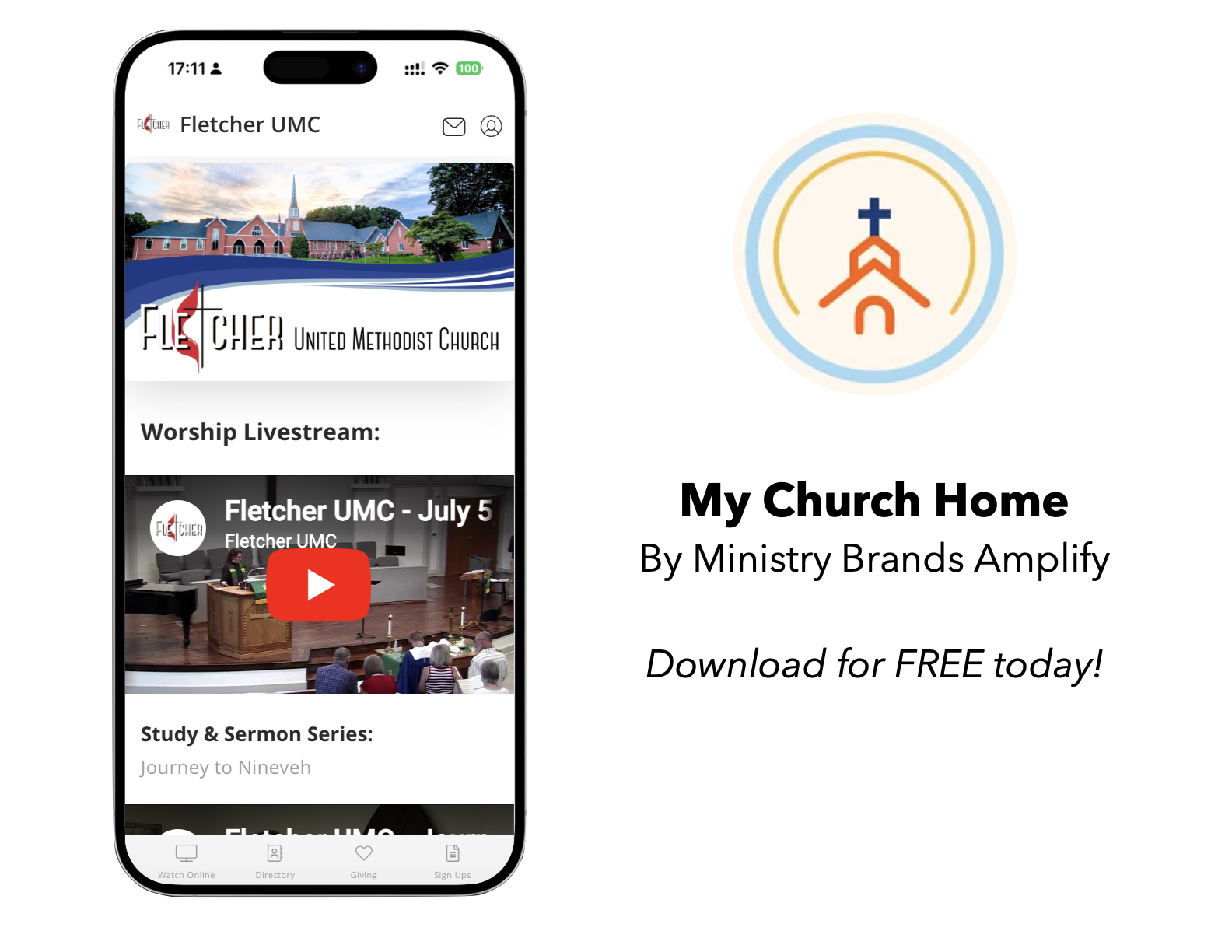
View your donation history, videos, church directory and more all from the convenience of your phone!
To Install
- Click on the Apple App Store or Google Play button above or search your phone’s app store for “My Church Home” by “Ministry Brands Amplify.”
- Install and Open the app
Choose “Fletcher UMC”
- Enter “Fletcher UMC” when prompted to “Find Your Church”
- Select “Fletcher UMC” from the search results
- Click on “Select This Church” at the bottom of the page
- You may be prompted with “Church Would Like to Send You Notifications.” Click “Allow” if you wish receive notifications and alerts.
View the Directory
Note: Only those who appear in the directory will have access to the directory portion of the app to help protect the privacy of everyone’s info.
- Click the account icon (top right icon of a person in a circle)
- Enter the email you listed in the church directory and click the Continue button to create an account and password
- Click the ‘X’ in the top-right corner to the screen to return to the main page
- Click the Directory icon at the bottom of the page
Questions? Please contact Christina Russell at (828)684-7155 or christina@fletcherumc.org.